Getting Started
At a high level, using AdaCAD involves the following steps:
-
Open an AdaCAD Workspace: To start using AdaCAD, visit adacad.org. Learn more about the interface in our Reference section.
-
Create a Draft: There are two ways you can make a draft in AdaCAD: Using traditional point paper drafting in our draft editor or by dataflow drafting in the workspace You can switch between these two modes by using the "design mode" toggle in the top bar.
-
Weave the Draft: Once you have created a draft, weave it on your loom. You can export drafts from AdaCAD to upload to computerized looms such as the TC2 or AVL CompuDobby Loom. You can also manually follow patterns to setup analog looms.
-
Contribute: We'd love to see what you made and to share it with the community. The best way to do this is to join the AdaCAD Discord Community and share it via the 'project sharing' channel. Alternatively, you can email your design and creation to unstabledesignlab@gmail.com or share it on Instagram by tagging #adacad.
Suggested Step-by-Step Introduction
1. Download, Print, Fold, and Reference our Project Zine
The zine will give you a quick reference for key concepts and features of the interface. The zine covers key concepts in tandem with an interface guide
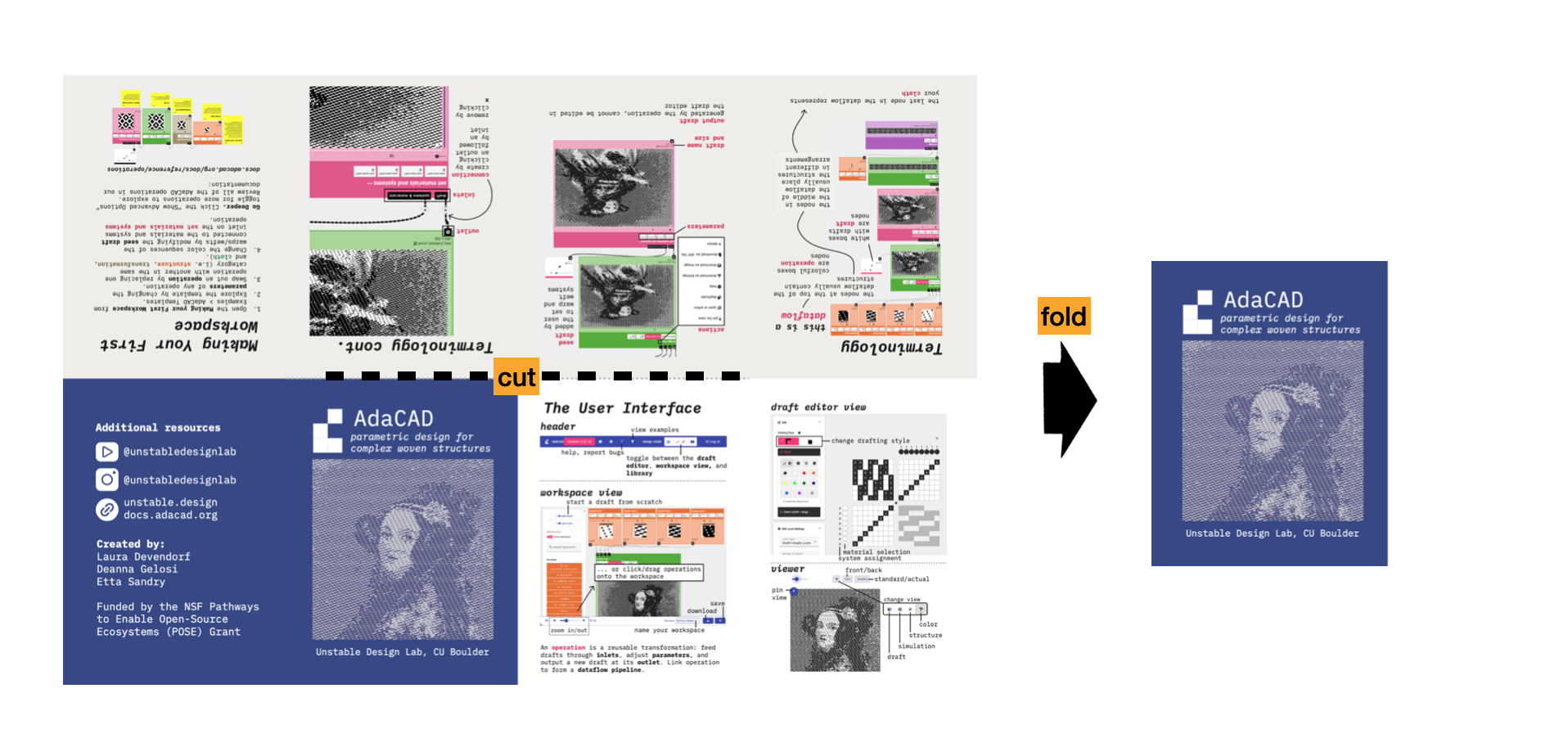
project zine
a printable folding booklet intended to be used as a quick reference when learning AdaCAD.
2. Watch and Follow Along with our Make your First Workspace Workshop
This workshop will introduce you to our interface, including both the workspace and draft editor, and help you create your first dataflow.
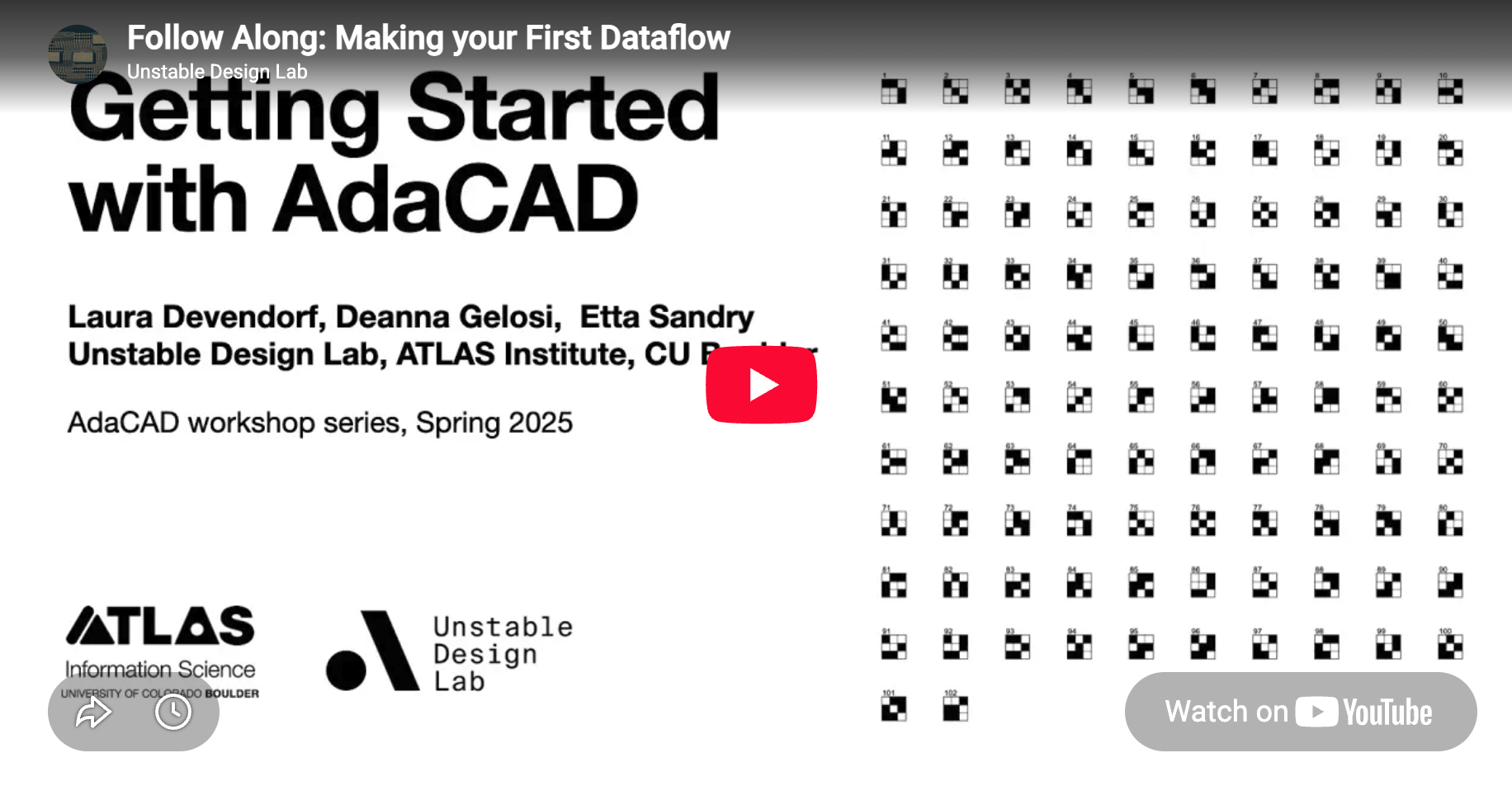
workshop recording
a recording of the virtual workshop.
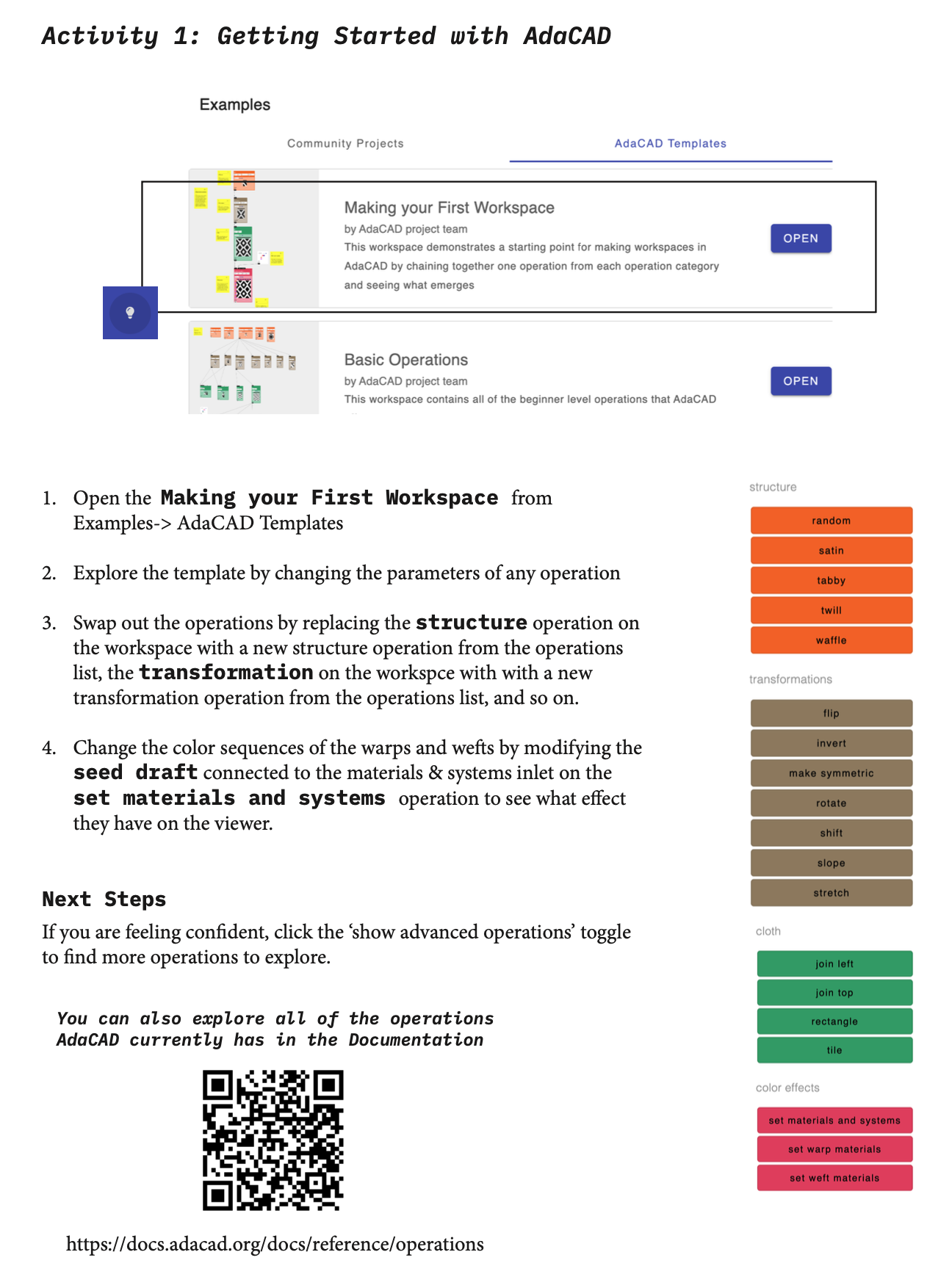
follow along worksheet
This worksheet pairs with the online workshop, giving you an overview of the steps and links to resources you might need along the way.
3. Weave Your Own Adventure
Once you grasp the basics, the workflow might change based on your equipment and desires. We outline a few different pathways, and resources for those pathways below.
References for TC2 Looms
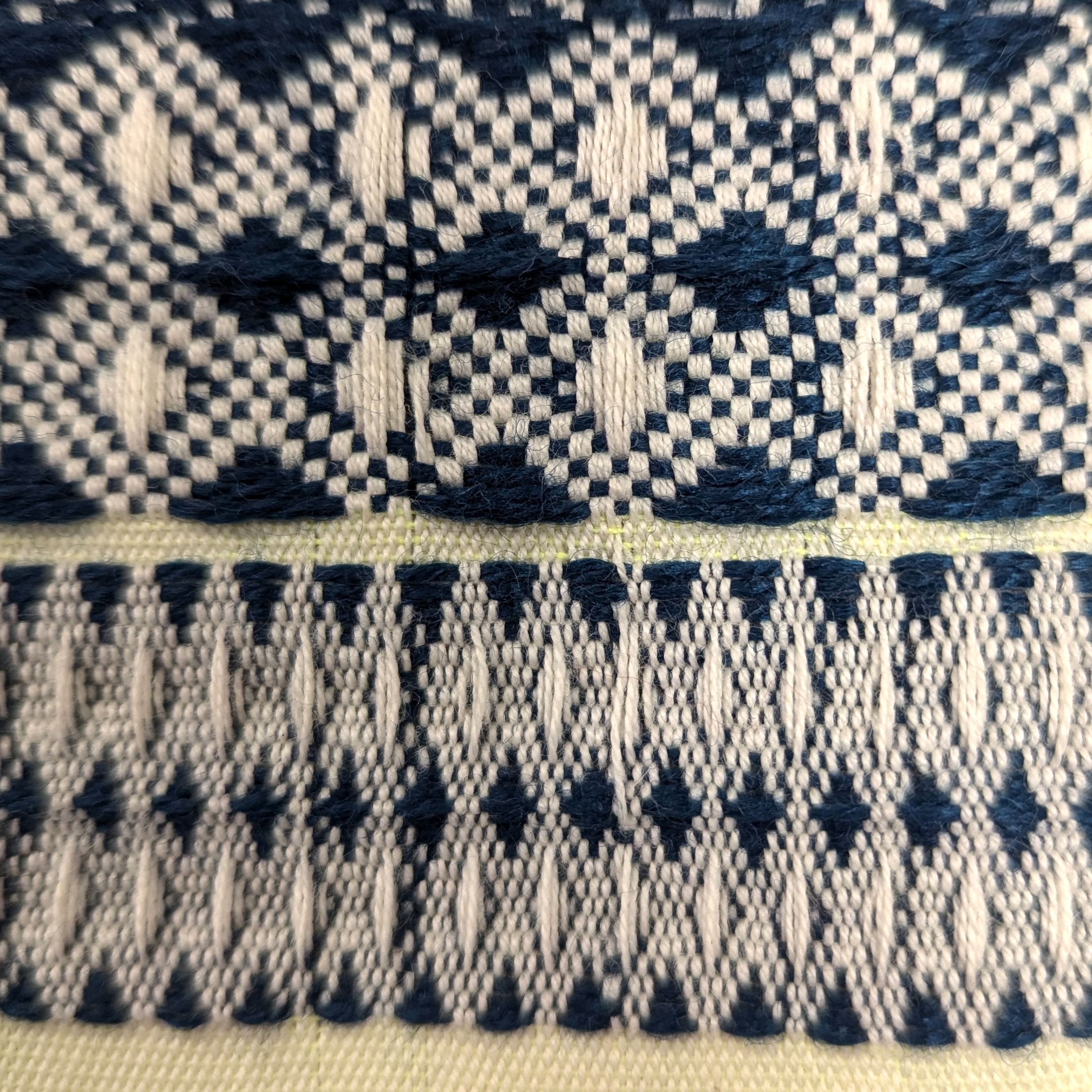
format files to weave on a TC2
a guide to formatting, exporting, and weaving AdaCAD files on a TC2 loom.
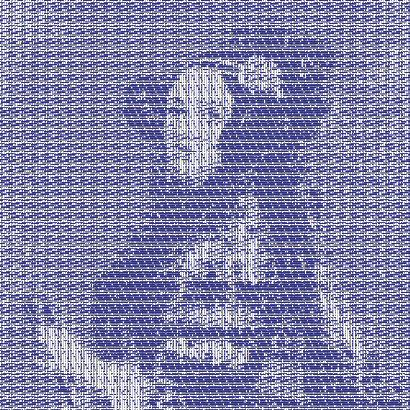
figured weaving
a workshop/tutorial focused on created figured weaving drafts in AdaCAD
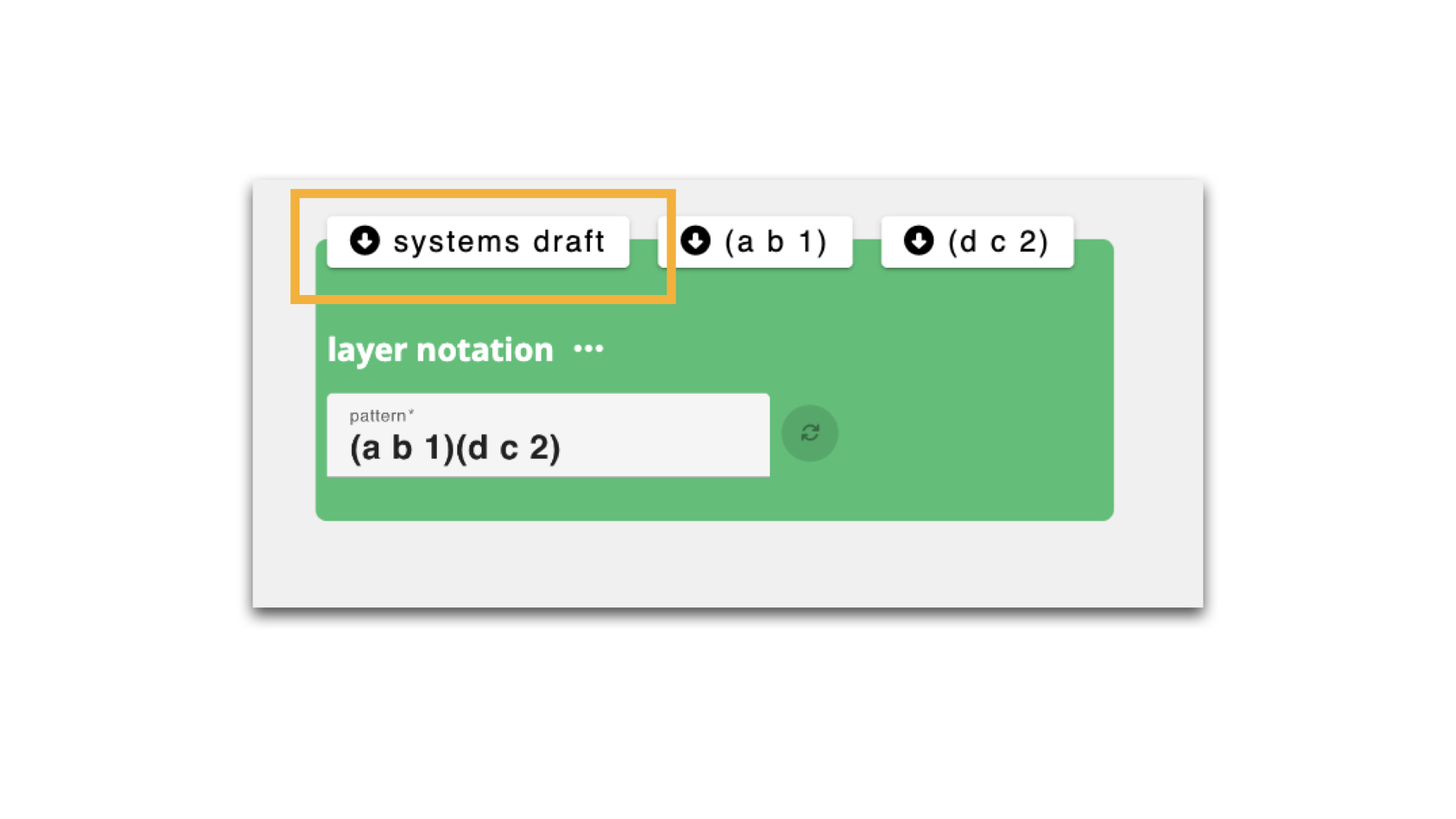
designing with multi weft/warp systems
a tutorial for advanced weavers focused on color blending via multiple weft and warp systems.
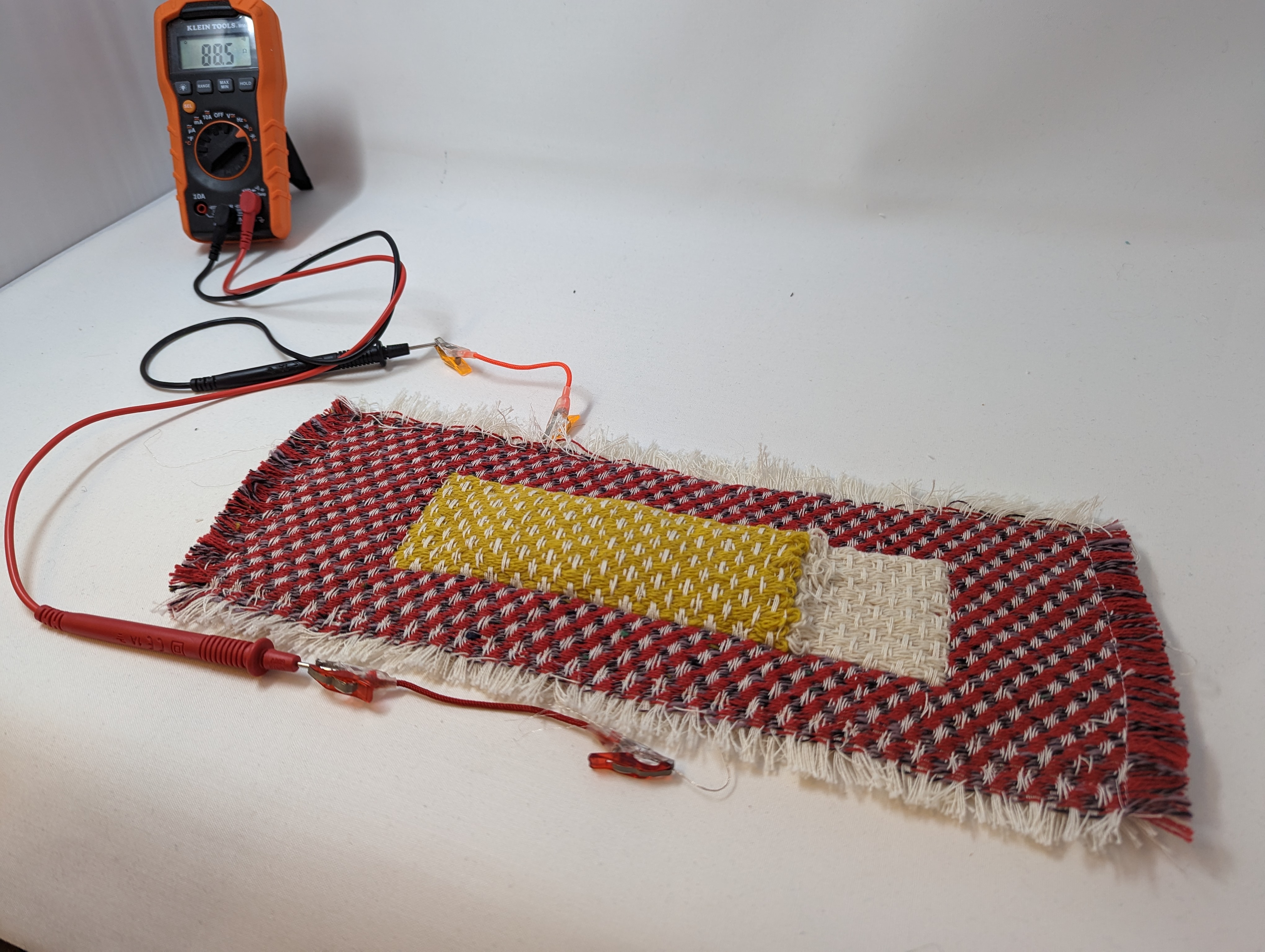
sharing our research weaving force sensors
a tutorial for advanced weavers focused on color blending via multiple weft and warp systems.
Format for Floor or Dobby Looms
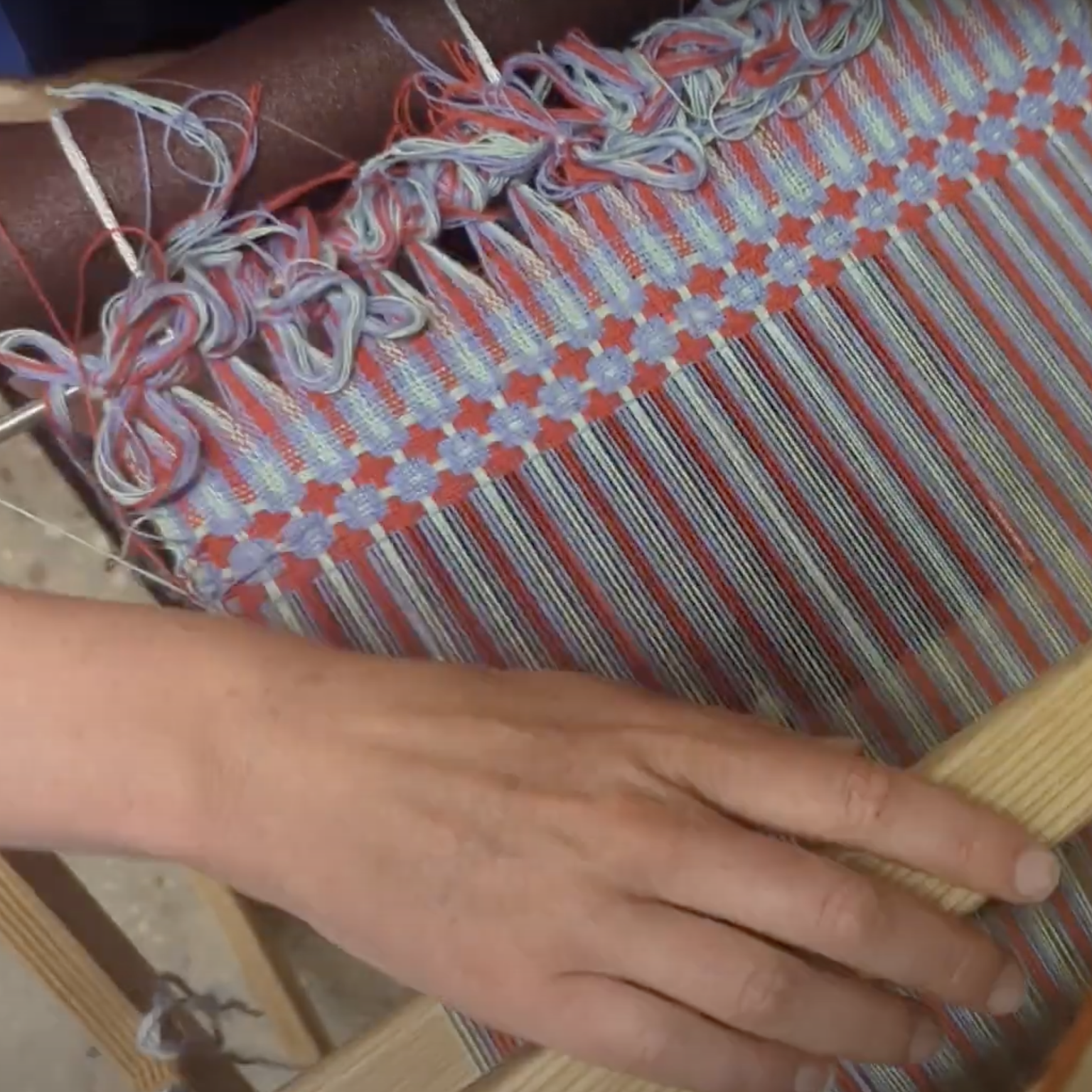
format files to weave on a Dobby or floor loom
a guide to formatting, exporting, and weaving AdaCAD files as .WIF files to weave on other looms, specifically an AVL Dobby Loom.
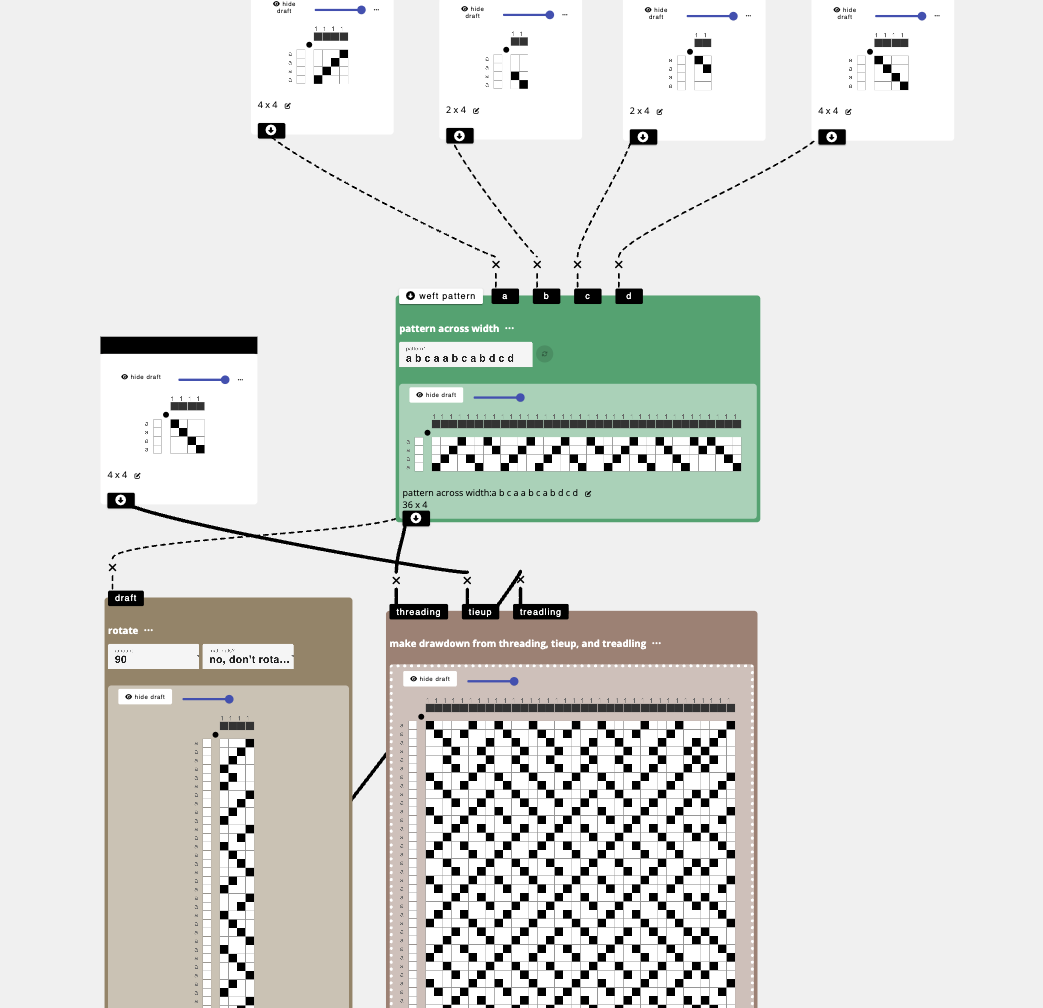
designing block threading workshop
follow along our workshop on how AdaCAD can be used to create block threading and treadling patterns
No Loom?
Feel free to interpret drafts however you like. Also, every draft you make can be downloaded as a coloring page