upload draft
- 🔥 advanced
- 🗂️ structure
This operation allow you to upload drafts that you may have previously created and saved as black and white images, or bitmap files into the workspace. If you upload a file that is not black and white, it will automatically convert pixels to black and white based on their color value.
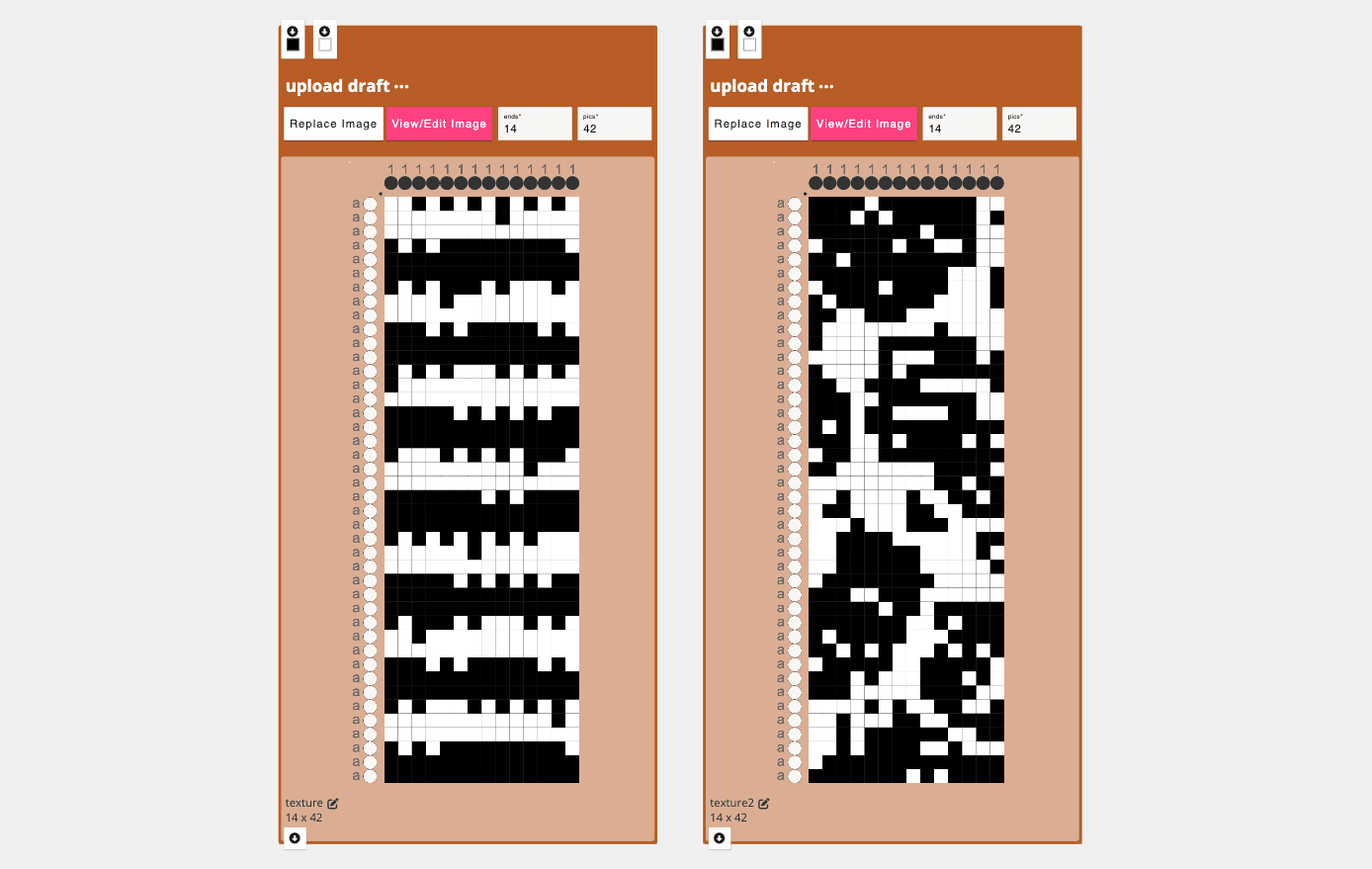
Parameters
choose file: select a black and white image and/or bitmap from your computer to upload. After uploading a "view/edit" button will appear so you can view your original file.ends: this will be automatically set to the width (in pixels) of the image your uploaded. If changed, it "stretches" the original input image and resulting draft.pics: this will be automatically set to the height (in pixels) of the image your uploaded. If changed, it "stretches" the original input image and resulting draft.
Inlets
- This is a dynamic operation, meaning that when an image is uploaded, two inlets, one black and one white, are generated. If a draft is connected to the white inlet, all white pixels will be filled with that draft pattern. If a draft is connected to the black inlet, the black regions will be filled with the pattern specified in the draft.
Application
To import previously created designs so they can be used and manipulated in AdaCAD
Developer
adacad id: bwimagemap
packages/adacad-drafting-lib/src/operations/bwimagemap/bwimagemap.ts
loading...