trim
- 🔥 advanced
- 🗂️ transformation
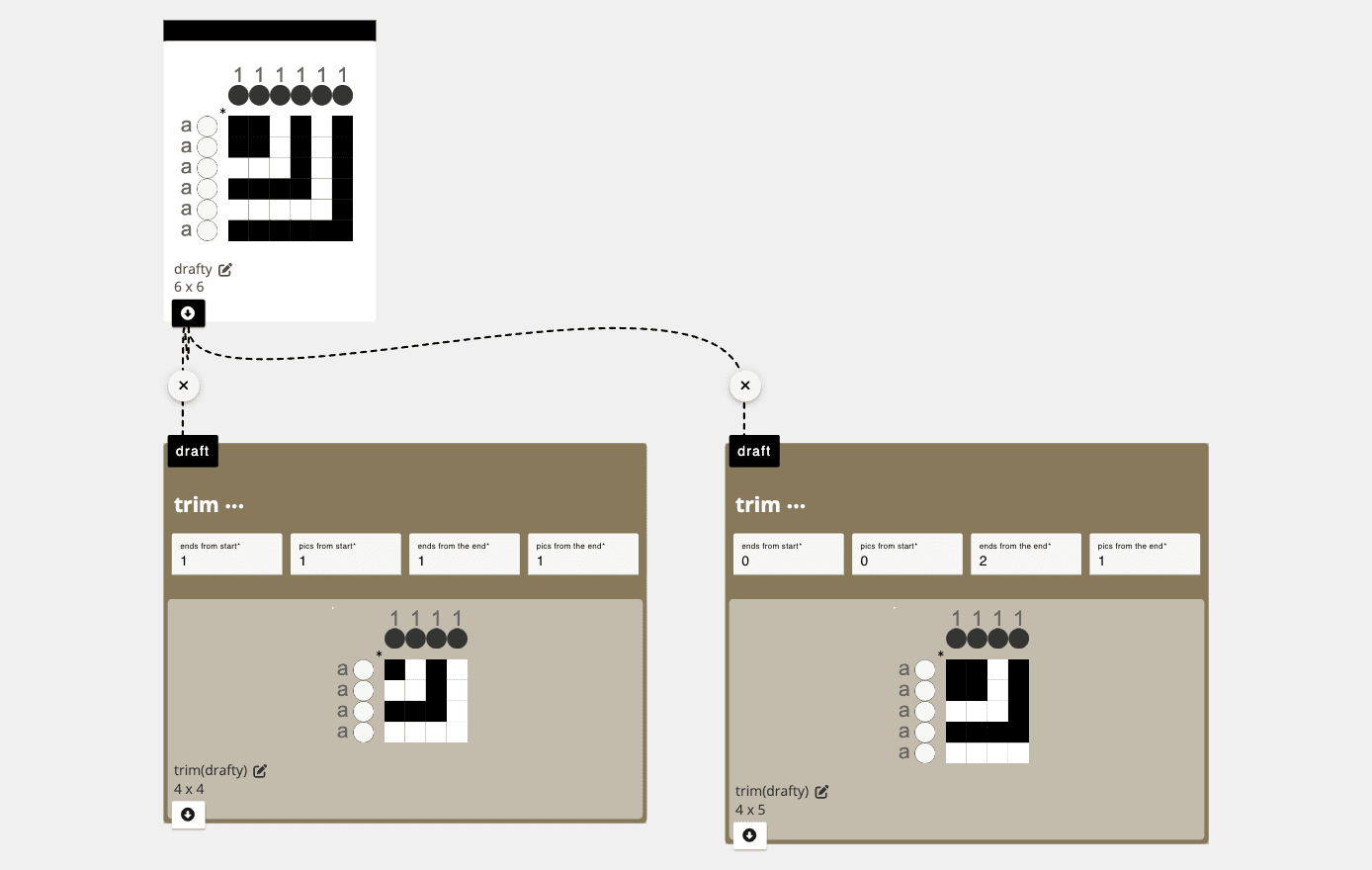
Trims off the edges of an input draft according to the parameters described below.
Parameters
ends from start: the number of ends to remove from the start of the draft (which differs depending on your origin)pics from start: the number of pics to remove from the start of the draft (which differs depending on your origin)ends from end: the number of ends to remove from the end of the draft (which differs depending on your origin)pics from end: the number of pics to remove from the end of the draft (which differs depending on your origin)
Application
Can be used to trim off the edges of the draft that might not repeat nicely
Developer
adacad id: trim
packages/adacad-drafting-lib/src/operations/trim/trim.ts
loading...